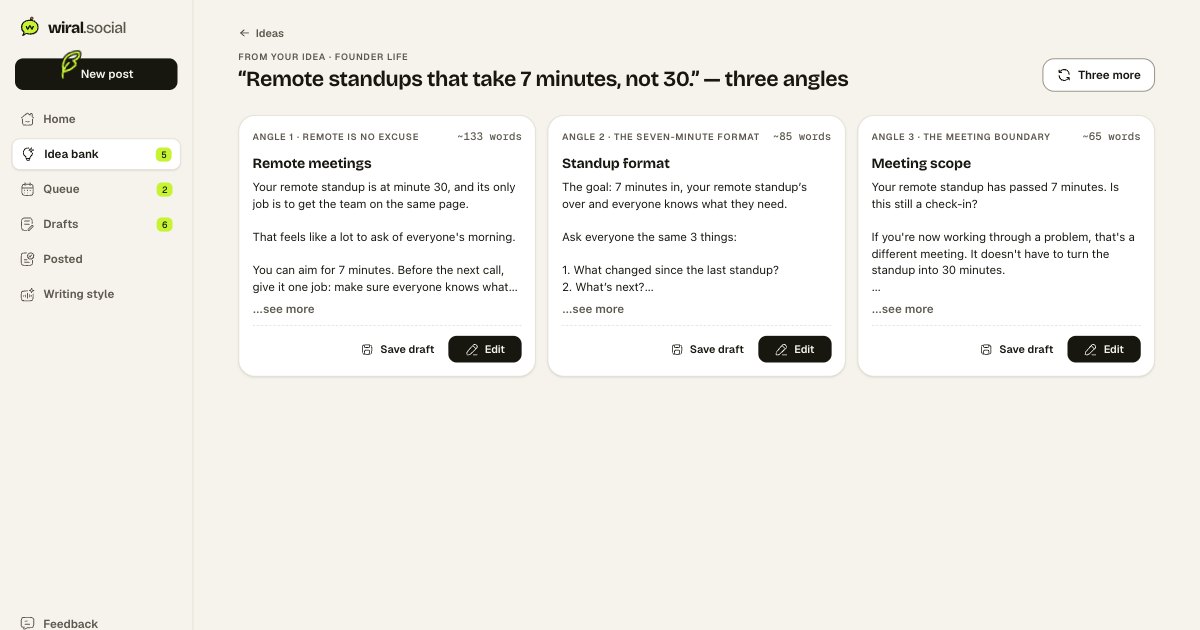
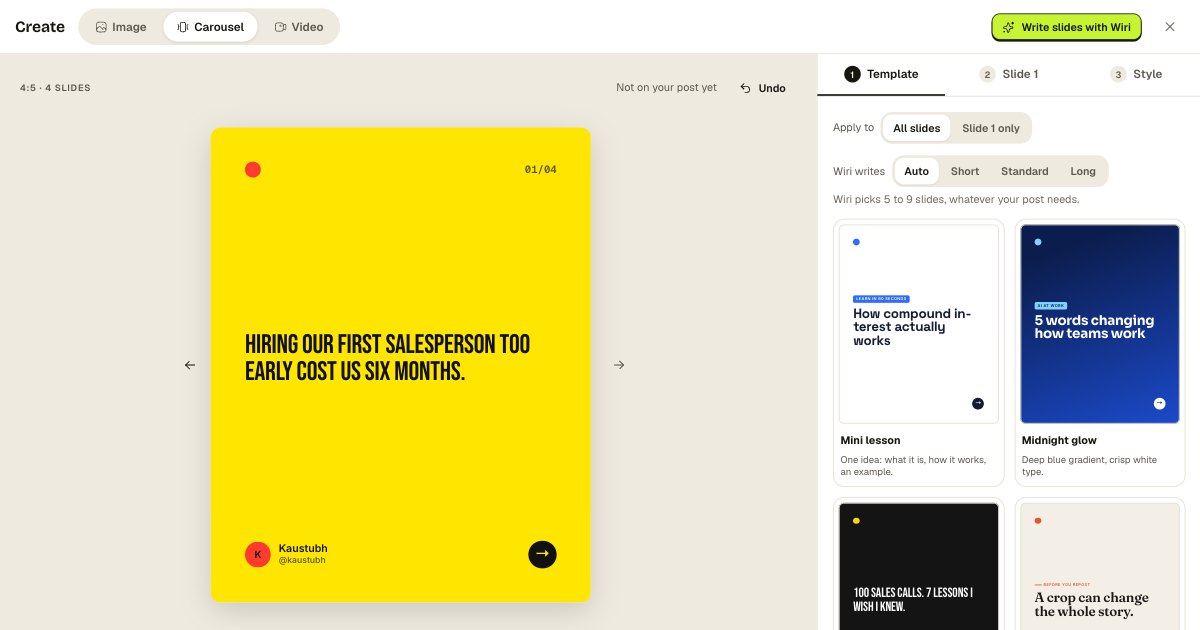
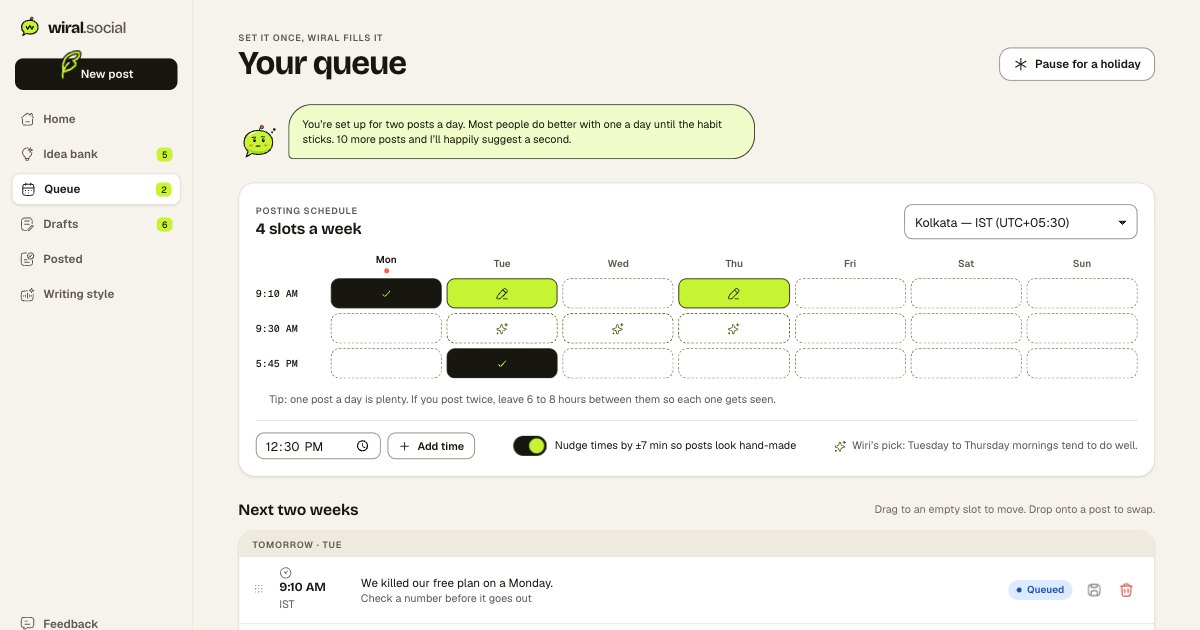
Make it yours. In one tap.
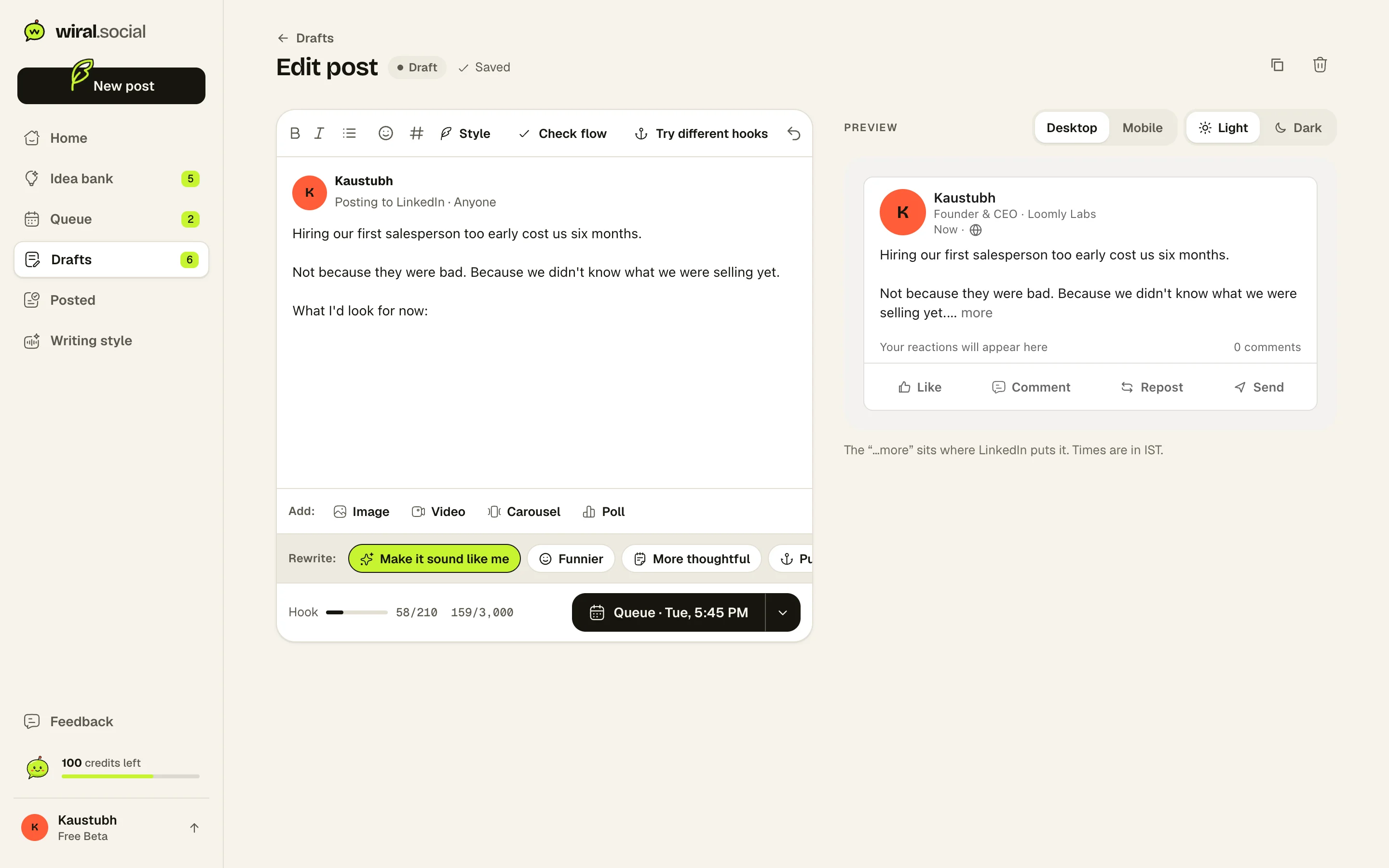
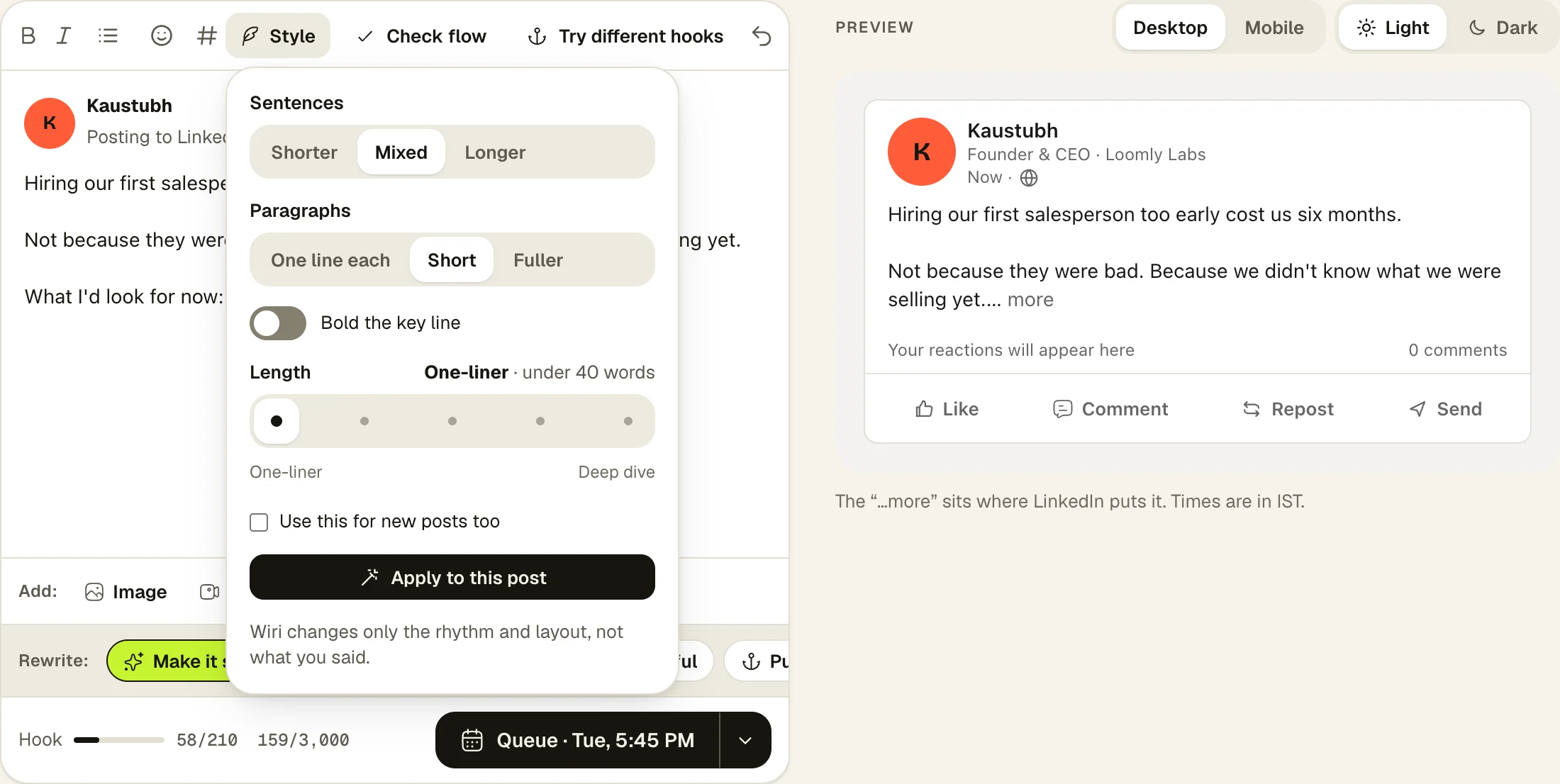
Fix a hook, shorten a line, or change the rhythm without starting over. The preview beside you shows the post exactly as LinkedIn will, down to where “…more” falls.
See it working.
𝗔 “𝗾𝘂𝗶𝗰𝗸 𝗰𝗮𝗹𝗹” 𝗶𝘀 𝗷𝘂𝘀𝘁 𝗮 𝗺𝗲𝗲𝘁𝗶𝗻𝗴 𝘁𝗵𝗮𝘁 𝘀𝗸𝗶𝗽𝗽𝗲𝗱 𝘁𝗵𝗲 𝗮𝗴𝗲𝗻𝗱𝗮.
How it works.
- 1Open any post
A take from Wiri, a draft, or something you wrote yourself.
- 2Fix what bugs you
One tap for a new hook, a shorter version or a different tone.
- 3Queue it
It goes to your next open slot, or pick a time.
Shape it your way.
The Style panel changes how a post reads without changing what you said: sentence length, paragraph shape, a bold key line, and five lengths.
- Shorter, mixed or longer sentences
- One line each, short or fuller paragraphs
- Use the same style for new posts too
Fixes, not do-overs.
Not happy with one line? Fix that line. Every rewrite shows you the change, and Undo is one tap away.
- New hook, shorter, more casual, make it a poll
- Check flow before you post
- Hook meter: 210 characters before “…more”
In today’s fast-paced world, meetings matter.
The 15-minute call that wasn’t.
Does Bold work on LinkedIn?
Yes. Wiral uses the bold and italic letters LinkedIn shows, so formatting survives when you post.
Will a rewrite change what I said?
Style changes only rhythm and layout. Length changes add or trim detail using only what’s already in your post.
Can I write without AI?
Yes. The editor, preview, formatting and scheduling all work with writing help switched off.