Images that stop the scroll.
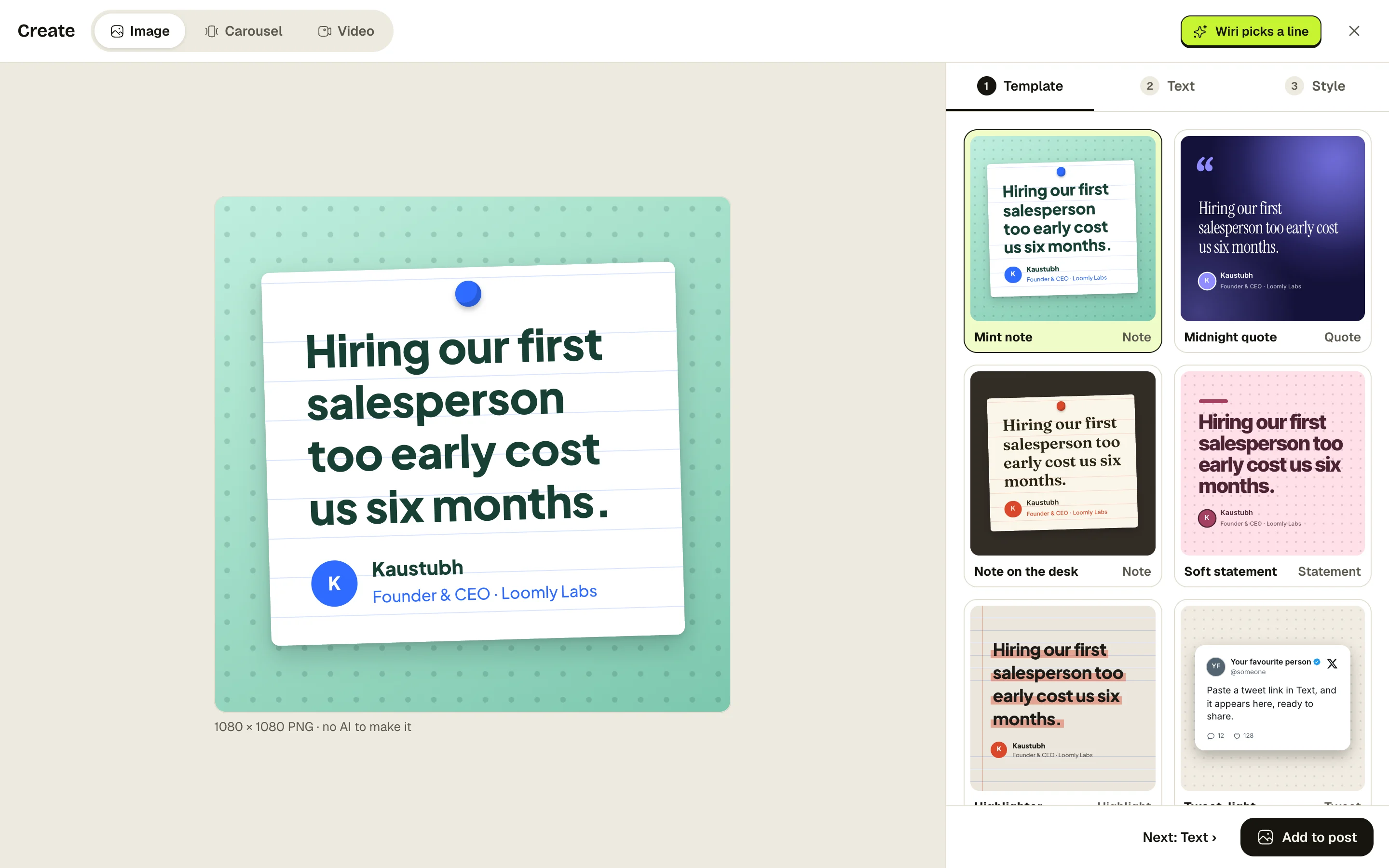
Pick your best line and turn it into an image in a click. Wiri suggests the line, you pick the look.
Start free with LinkedInFree while we’re in betaNo card neededNever posts without you
Try it here
See it working.
Long calls are fine. Long calls sold as short ones aren’t.
ECEmily Carter@emilycarter
How it works.
- 1Tap Image
Create an image from any post.
- 2Pick a template
Wiri fills in your line.
- 3Add it to your post
Or download it as a PNG.
Paste a link, get a clean image.
Paste a tweet link for a clean screenshot. Write a real code snippet for an editor-style image. Pick wide 1200×628 for LinkedIn, or square.
- Tweet screenshots and code images
- With or without your name and photo
- Fonts and patterns that match your carousels
What sizes can I make?
Square, portrait, and wide 1200×628, which fits LinkedIn’s feed.
Can I use my own photos too?
Yes. Upload your own images to any post, alongside or instead of a designed one.
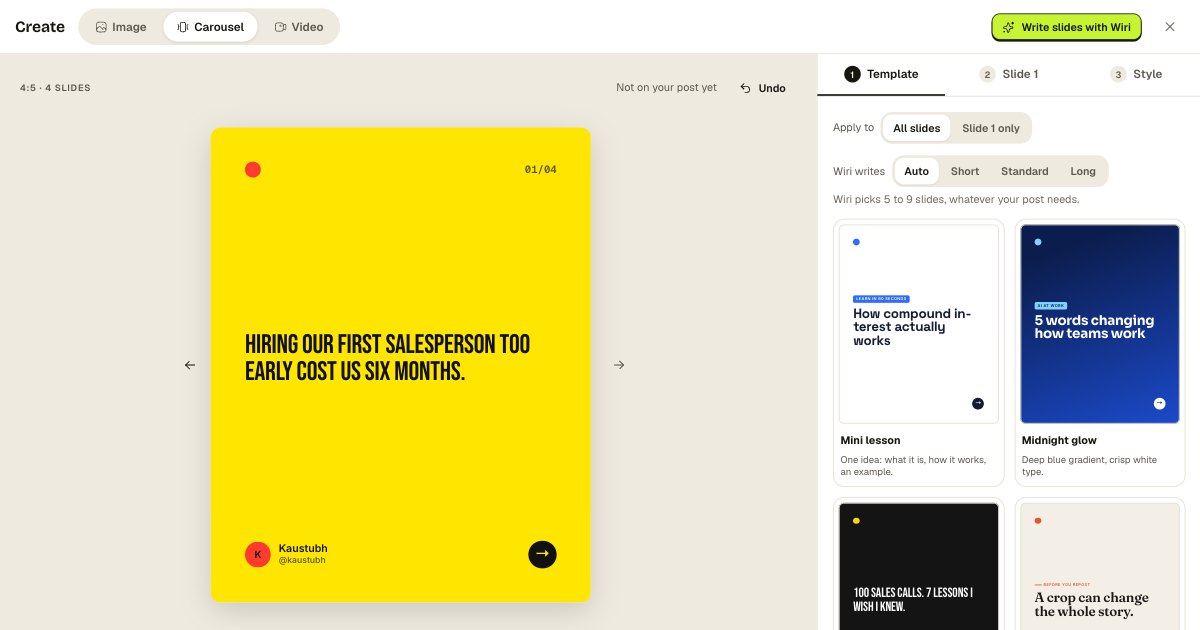
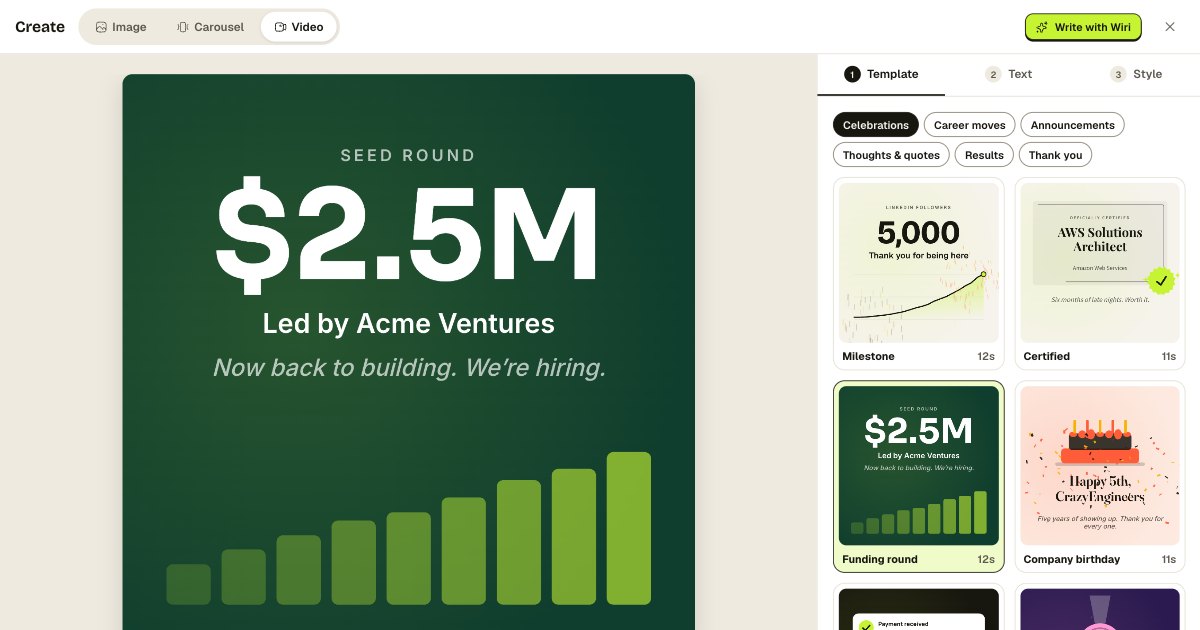
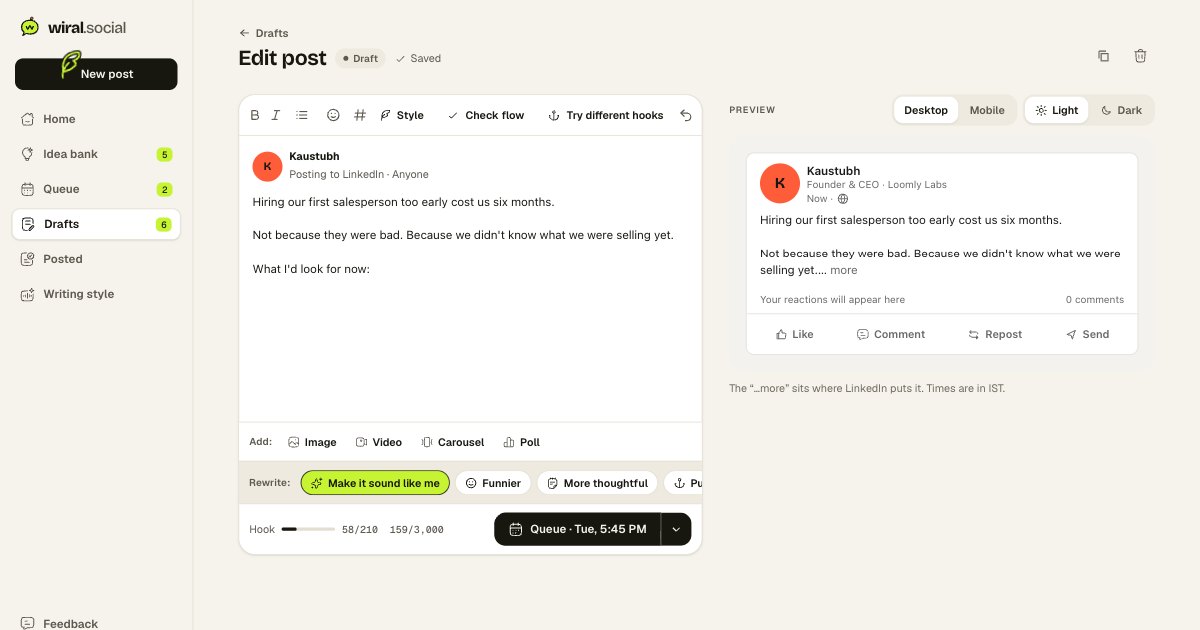
Your next post is one thought away.
Start free with LinkedInFree while we’re in betaNo card neededNever posts without you