Set your times once. Your week posts itself.
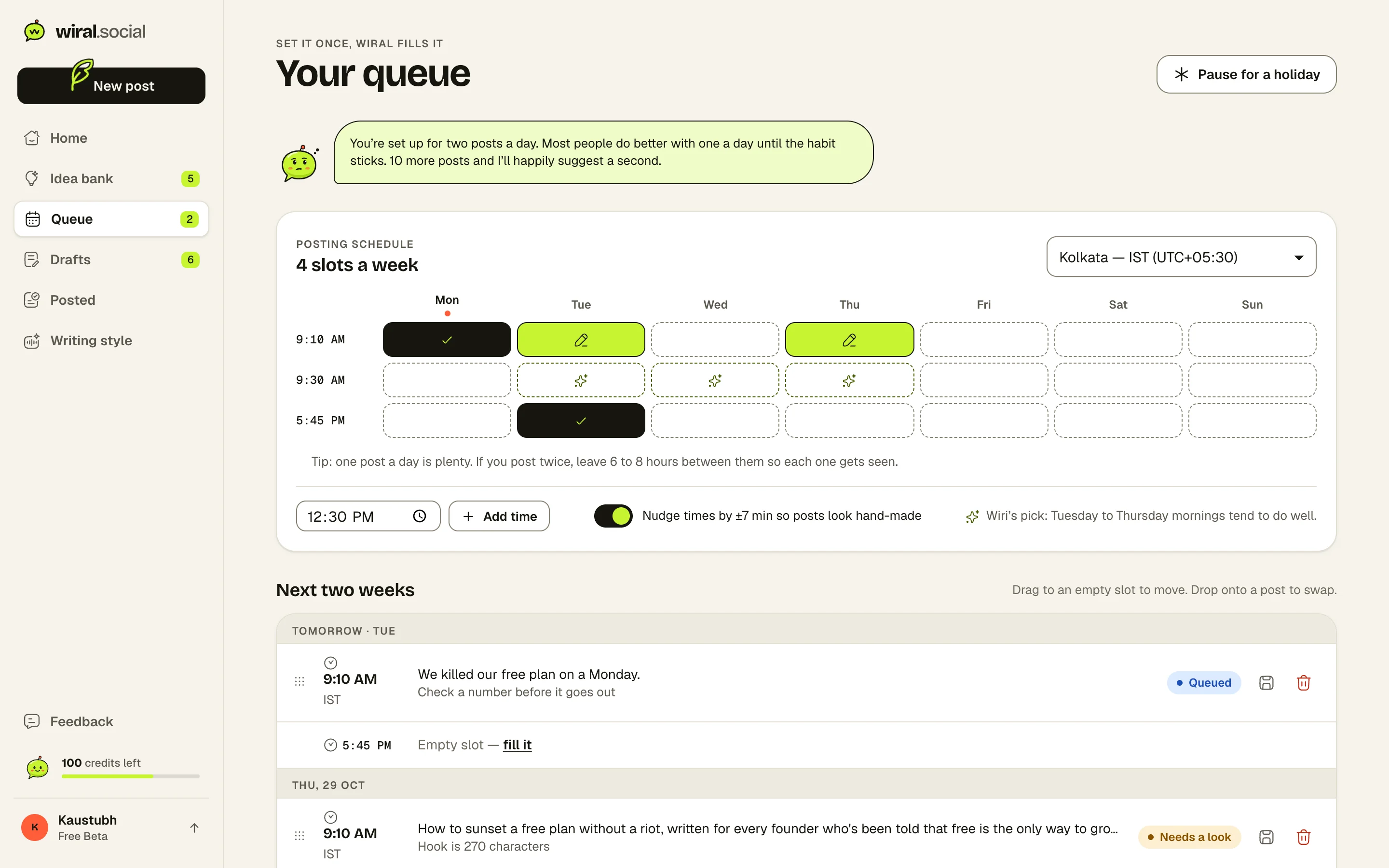
Pick the days and times that suit you. Queue a post and it drops into the next open slot, then goes out to LinkedIn on its own.
Start free with LinkedInFree while we’re in betaNo card neededNever posts without you
How it works.
- 1Pick your times
Wiri starts you with good ones for your time zone.
- 2Queue posts
Each one drops into the next open slot.
- 3Wiral posts them
Through LinkedIn’s official API, at your times.
Drafts that never expire.
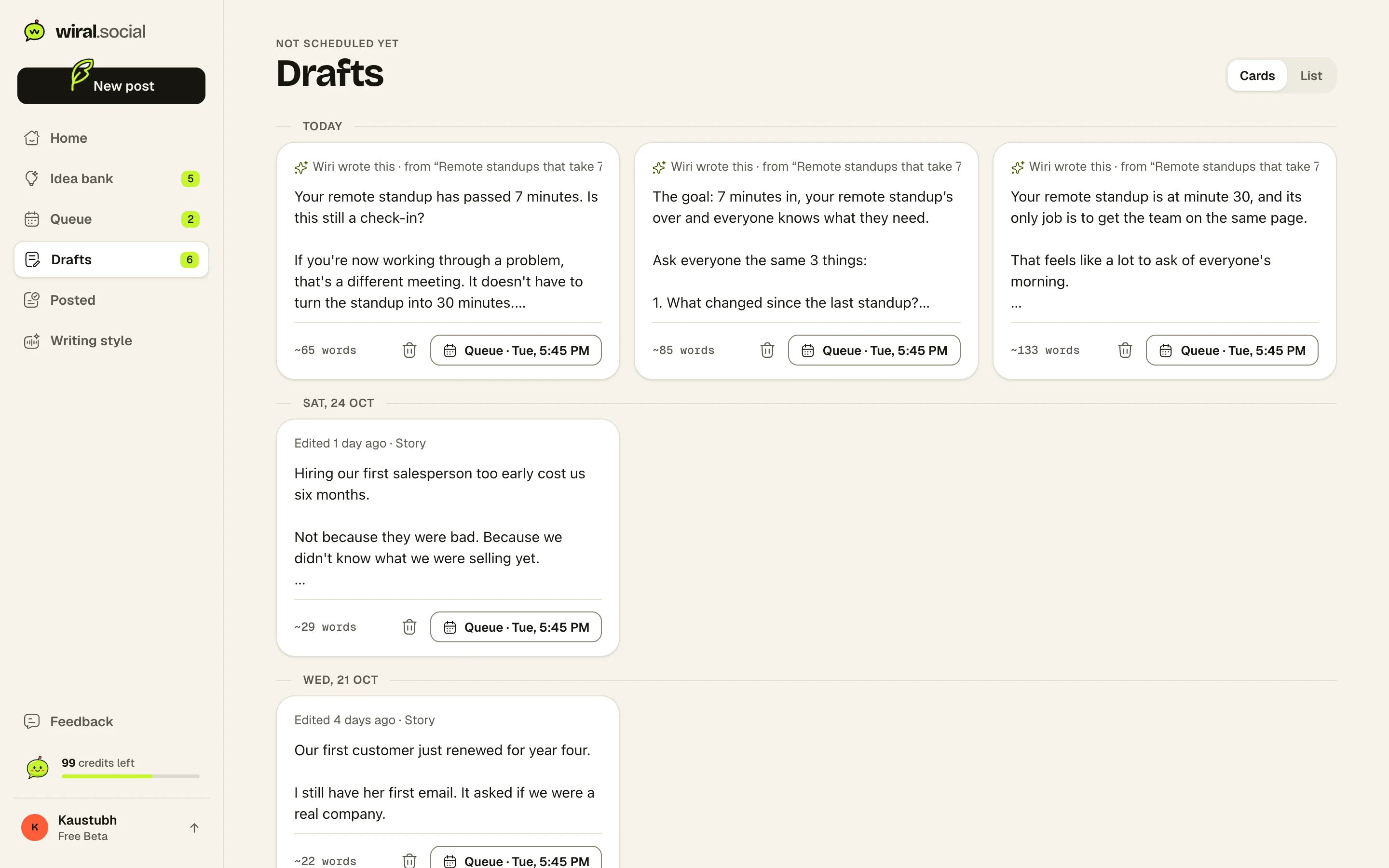
Every post Wiri writes and every draft of yours is kept, grouped by day. Deleted something by mistake? Restore it.
- Pin a post to an exact date and time
- A gentle nudge when a slot is empty
- A failed post retries, then tells you
Is auto-posting safe for my LinkedIn account?
Yes. Wiral uses LinkedIn’s official sign-in and sharing API, follows its limits, and only posts what you queued.
Can I post right away instead?
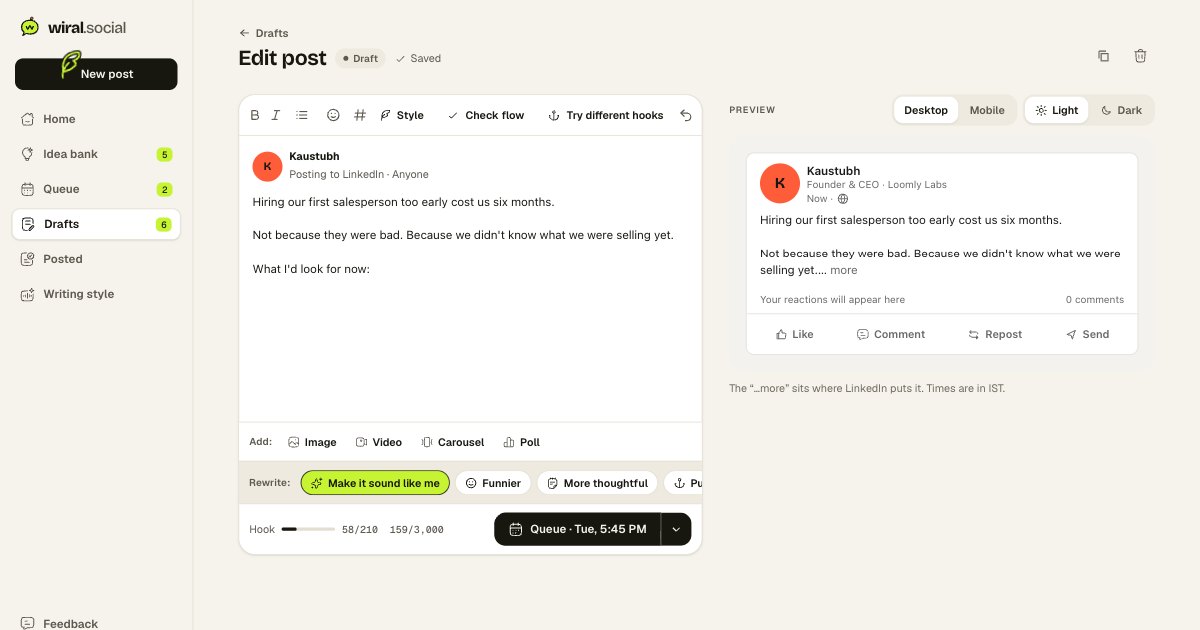
Yes. Every post can go out now, at a time you pick, or in the next open slot.
What happens if a post fails?
Wiral retries twice, then emails you and shows a one-click fix.
Your next post is one thought away.
Start free with LinkedInFree while we’re in betaNo card neededNever posts without you